

Cards

Debit and charge cards with spend limits, merchant categories, and instant freeze — so teams and individuals can pay safely at home and abroad.
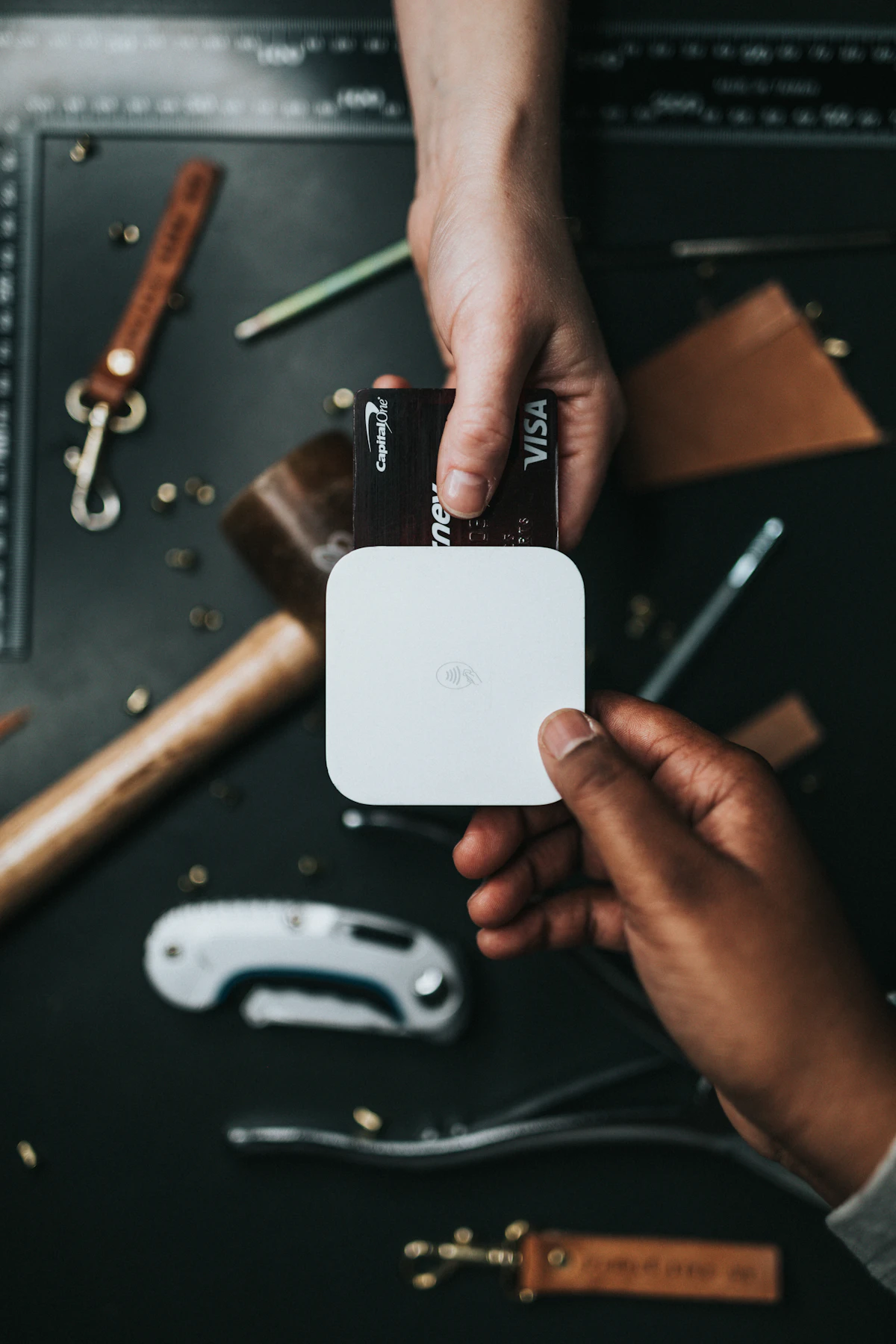
Contactless card payment at terminal
Cards built for control and visibility

Personal cards

Tap-to-pay ready, contactless limits you can adjust, and travel notifications when spend looks unusual.

Business cards

Employee cards with project tags, receipt reminders, and monthly summaries for finance.

Security

One-tap freeze, region controls, and OTP-backed changes to sensitive settings.

Card programmes are issued under scheme rules (for example Visa or Mastercard), with identity checks and geography limits that apply to your profile. Physical and virtual cards are produced and activated once your application is approved and we have verified your details.

Cards that match your profile

Register to explore the digital experience; your team can map card rollout to your compliance process.

Common questions

Quick answers about London Bankers Trust.

How do I register for online banking?
Choose Open an account, complete the form, then sign in with your email and password. You’ll receive a welcome message and can start using your dashboard straight away.
How do transfers work?
From your dashboard, choose the account to pay from, then either another of your accounts or someone else’s account number. Enter the amount and reference. For payments to another person’s account number, we use email OTP and your transfer security code to protect you.
What about international payments?
We support GBP as your primary currency and provide clear information on international transfers, including FX references, cut-off times, and beneficiary checks. Full details are on our International transfers page. If you need a specific currency or corridor, our support team can walk you through what’s available.
How do I verify my email?
After you sign in, open Settings on your overview and use Send code, then enter the one-time password we email you. If you don’t receive the message, check spam folders or contact support so we can confirm your address.
How do I get help?
Visit our Help & support page for guides and contact options, including phone and email. Signed-in customers can also use notifications and secure messages where enabled.